
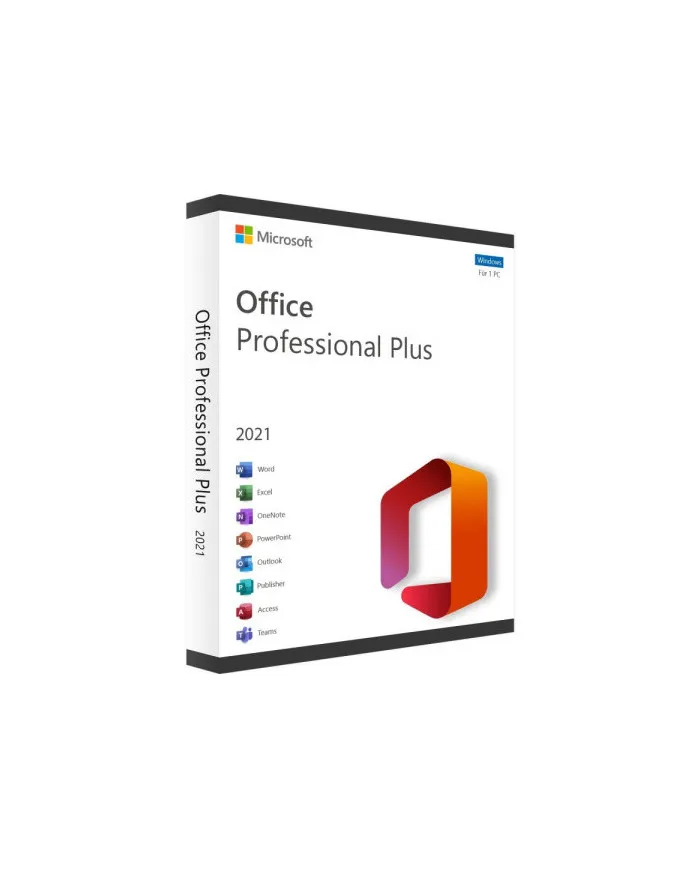
Good software can change the way people work each day. A slow process can waste time and make simple tasks feel hard. The right office tools help users write files and manage data with less effort. Microsoft Office 2021 offers a range of apps for home and business use. It brings familiar tools into one package and gives users a simple way to handle daily work. Before choosing an edition, it helps to learn about its features and how it fits your needs.
A Smarter Way To Work
Office software is used in many places. Students make notes and prepare projects. Staff write reports and share files. Small firms use spreadsheets to track costs and plan tasks. Office 2021 supports these needs with apps such as Word and Excel. PowerPoint is useful for slides, and Outlook helps manage email. Each app has its own role. Together, they can make a busy workday easier to manage. Users can focus on their tasks instead of moving between many different tools.
Explore The Main Features
Microsoft Office 2021 has tools that support common work needs. Word helps users create clear documents. Excel can sort data and work with formulas. PowerPoint helps turn ideas into visual slides. Outlook can keep email and calendar tasks in one place. The exact apps may depend on the edition. This is why buyers should read the product details before making a choice. It is also useful to check system needs and confirm that the software will run well on the device.
Activation Made Clear
The microsoft office 2021 professional plus activation process allows users to unlock the licensed edition on a compatible device. Before starting, make sure the installed version matches the product key. Open an Office app and follow the activation steps shown on screen. Enter the key only in the official activation area. A typing error or wrong edition can lead to a failed attempt. If the process does not work, check the internet connection and licence details. Use official support or contact the seller when help is needed.
Tools For Growing Teams
A business often needs more than a basic writing app. Staff may need to share files and work on the same project. They may also need email tools and online storage. The right software plan can help a team stay organised. It is important to compare one-time software purchases with subscription services. Each option works in a different way. Think about the number of users and the tasks they need to complete. This makes it easier to select a plan that suits the team.
Compare Your Office Choices
The term microsoft office 365 business refers to a subscription-based service for organisations that need Office apps and cloud features. It differs from a standalone Office 2021 purchase. A subscription may include online services and access to updates during the active plan. Office 2021 is a one-time purchase with a fixed feature set. Neither option suits every user. A small team may value shared tools while an individual may prefer a single purchase. Check the current plan details before deciding.
Keep Work Files Organised
Good work habits can make office software more useful. Create clear folders for each project. Give files names that are easy to find later. Save important work often and keep backup copies in a safe place. Excel users should review formulas before sharing a sheet. Word users can check spelling and layout before sending a document. PowerPoint users should keep slides neat and easy to read. These small steps help reduce mistakes. They also make it easier for others to understand and use shared files.
Choose Software With Care
A software purchase should begin with a clear need. Check the edition and the apps included in the package. Review the licence terms and device limits. Make sure the seller provides clear details about delivery and activation. Avoid unknown downloads and never share a private product key in public. Keep the order email for future reference. If you need help with setup, use trusted support channels. A careful choice can prevent wasted money and save time when the software is ready to use.
Conclusion
Office software can help people manage daily tasks with less effort. The best choice depends on work needs and the features a user expects. Check compatibility and licence terms before buying. Follow the correct activation steps and keep files safe. For more digital software options and product details, visit key-softs.com. A clear choice today can support smoother work tomorrow.